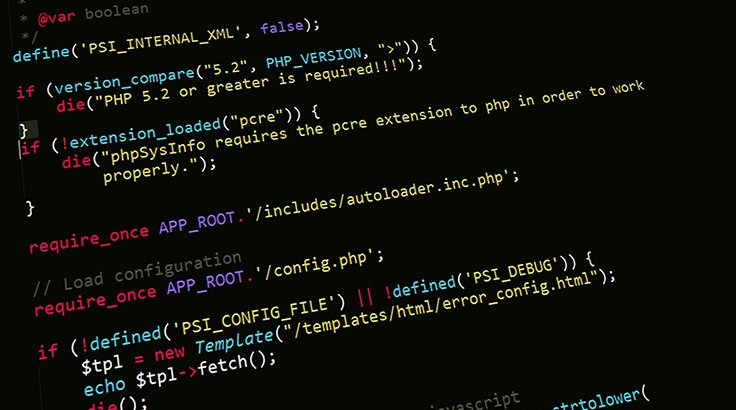
Creating a login page in PHP involves handling user input, verifying credentials against a database, and managing user sessions. Below is an example of how to implement a basic login system using PHP
Variables in PHP
Variable names start with a dollar sign $. Variable names are case-sensitive. PHP more commonly similar to other programing languages like syntax.
PHP Data Types
PHP supports various data types such as integers, floats, strings, booleans, arrays, and objects.
Concatenation in PHP
Concatenation is used to join multiple strings and variables into one string.
Use the dot (.) for string concatenation.
For Loop in PHP
For loop repeats a block of code as long as a certain condition is met. It is typically used to execute a block of code for certain number of times.
The parameters of for loop have following meanings:
It is used to initialize the counter variables, and evaluated once unconditionally before the first execution of the body of the loop.
In the beginning of each iteration, condition is evaluated. If it evaluates to true, the loop continues and the nested statements are executed. If it evaluates to false, the execution of the loop ends.
It updates the loop counter with a new value. It is evaluate at the end of each iteration.
Mysqli Connection String in PHP
By using mysqli_connect(), we have connect database with our web application.
Create the HTML Form
Create a simple HTML form for user signup using Bootstrap, JS and CSS.
Database Connection
Connect database with Application.
Form Submission in PHP
Create a signup.php file to handle the form submission, validate the input, hash the password, and store the user data in the database.
Step 1: Create the HTML Form
Create a simple HTML form for user login.
Step 2: Database Connection
Database connection with web application.
Step 3: Form Submission in PHP
Create a login.php file to handle the form submission, validate the input, and verify the credentials.
Foreach Loops
The foreach loop in PHP is a control structure that allows you to iterate over arrays and objects in a simple and straightforward manner. It is particularly useful for traversing associative arrays and objects where you need access to both keys and values.
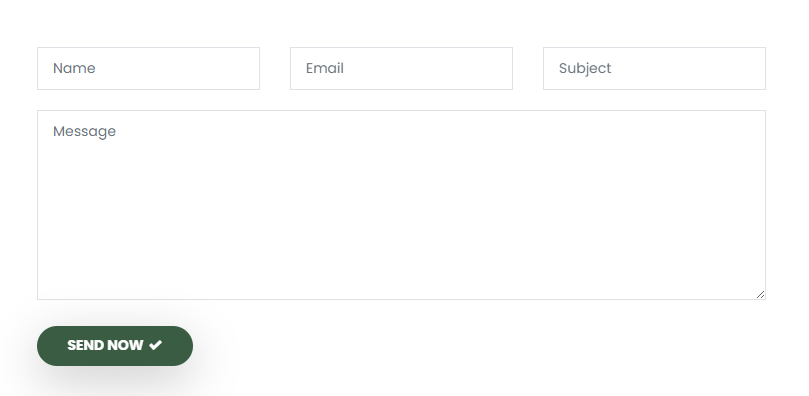
Get In Touch Inquiry Form HTML
Get In Touch Inquiry Form HTML Code using bootstrap 5.
Database Connection
Database connection string code is used to connect Database with HTML website pages.
PHP code to submit Get In Touch inquiry form
This PHP code is used to submit Get In Touch inquiry form into connect database table.
Mail Function
This built-in function provides a simple way to dispatch messages by specifying the recipient's email address, subject, message body, and optional headers like "From" or "Reply-To." Although it's easy to use for basic email needs, the mail() function relies on the server’s mail configuration, which can sometimes lead to deliverability issues or messages being marked as spam. For more robust solutions, developers often turn to libraries like PHPMailer or SwiftMailer, which offer greater control, security, and support for features like attachments and SMTP authentication.
.png)